Why Daikin VRV U0 L5 P4 Troubleshooting Needs a System, Not Guesswork
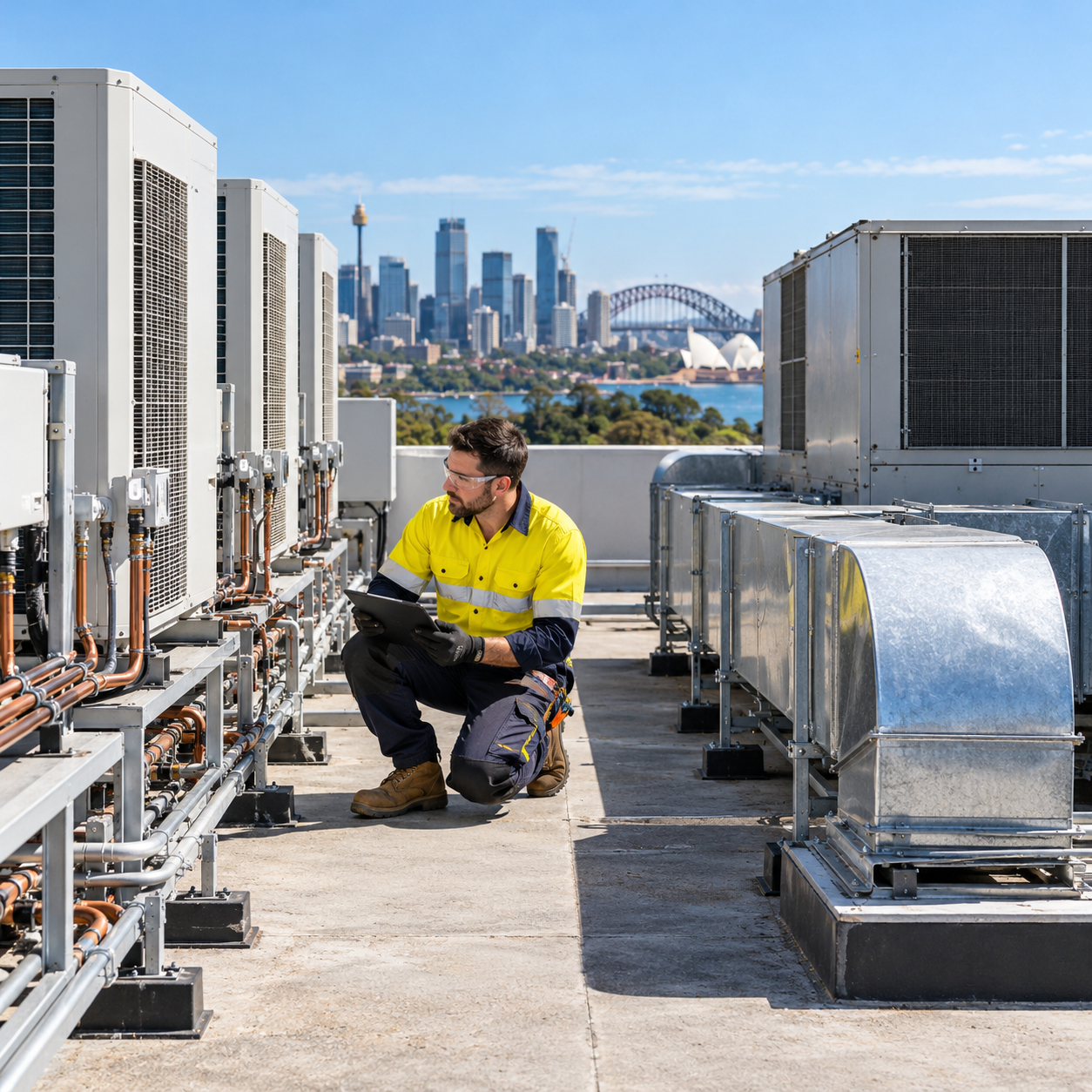
You’re on a rooftop in an Aussie summer. The Daikin VRV throws a U0, but you can’t find a leak. Next job, you get an L5 that clears after a power cycle, then comes back. Another site shows P4, even though the unit “looks fine.”
This is where Daikin VRV U0 L5 P4 troubleshooting gets frustrating. These codes often point at refrigerant, inverters, or sensors. In the field, the real cause is frequently something else.
In this guide, you’ll follow a proven diagnostic sequence to separate:
-
real refrigerant issues
-
communication problems on F1/F2
-
inverter or sensor faults
-
installation errors that mimic failures
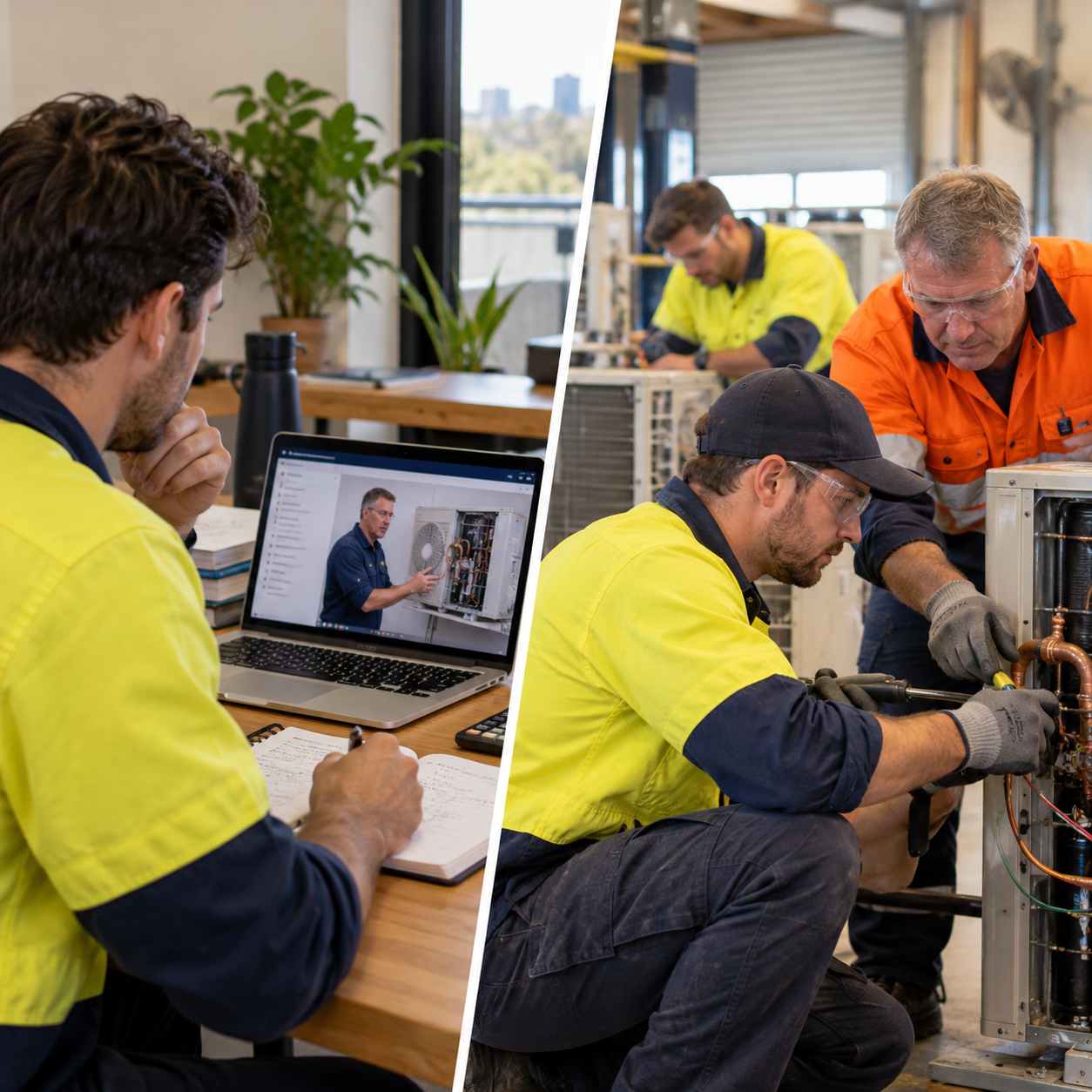
This is the same step-by-step approach we teach in our VRV training in Australia.
First, Confirm the Error Code the Right Way
Older VRV Systems: LED “Binary Blink” Codes
On older VRV II/III systems, you’ll read fault codes using the PCB LED blink pattern (H1P, H2P, etc.). It works, but it’s easy to misread under glare and heat.
If you misread the code, you’ll chase the wrong fault. Slow down and confirm it.
Newer VRV Systems: LCD / 7-Segment Readouts
VRV IV, VRV-X, and VRV 5 systems often show the fault code on a 7-segment display. Many wall controllers also display the same code.
Trust the display, but still confirm the fault is active (not stored history).
The Diagnostic Game Plan for U0, L5, and P4
Step 1 — Verify Status and Pattern
Ask these questions:
-
Is the fault active or only in memory?
-
Does it return under load?
-
Do indoor units show different codes?
Treat the outdoor unit fault as the primary reference.
Step 2 — Check Communication Health Before Anything Else
A huge percentage of “mystery” faults come from F1/F2 issues.
Do a comms health check before you touch refrigerant or boards.
Fast field test: Use Forced Fan ON mode. Walk the building and confirm every fan coil runs. If one doesn’t, it may not be communicating.
Common causes:
-
loose F1/F2 termination
-
crossed wiring between systems
-
duplicate addressing
-
indoor unit wired to the wrong outdoor group
Fix comms first, then reset and retest.
Step 3 — Look for Installation Mistakes That Mimic Faults
Before you condemn parts, check “field basics.”
- Refrigerant valves and restrictions: Closed stop valves and restrictions can trigger U0 and L5. A kinked line can mimic low charge.
- Airflow problems: Restricted indoor airflow can drive abnormal pressures and temps. Outdoor coil blockages and fan failures can overheat the inverter.
- Power supply issues: Voltage imbalance, loose terminations, or undervoltage can trigger L5 events. Do a quick electrical sanity check.
U0 Fault Troubleshooting (Low Refrigerant / “Shortage”)
Confirm if U0 Is Real or a False Alarm
U0 means the unit thinks it has low charge. Your job is to confirm reality.
Do this:
-
check static pressure vs ambient
-
inspect for oil staining and leak points
-
check live sensor readings if you have Service Checker
If pressure and evidence point to low charge, find and repair the leak. Then evacuate correctly and weigh in charge.
What Else Can Trigger U0 Without a Leak?
U0 can appear when the system can’t move refrigerant correctly.
Common non-leak causes:
-
closed liquid stop valve
-
restriction or blocked strainer
-
stuck EEV
-
faulty pressure or temperature sensor
If charge is correct but sensors read nonsense, test the sensor circuit.
L5 Fault Troubleshooting (Inverter Overcurrent)
Rule Out “Easy L5” Causes First
L5 is scary, but start with basics.
Check:
-
all service valves open
-
outdoor coil clean
-
condenser fans running
-
supply voltage stable under load
A closed valve can spike current instantly. Fix that first.
Test the Compressor Before You Blame the Inverter
Isolate power and test:
-
winding resistance balance
-
insulation resistance (megger)
-
signs of locked rotor or mechanical failure
If the compressor tests bad, replace it.
When the Compressor Tests Fine
If compressor and airflow check out, suspect:
-
inverter PCB / IPM module
-
intermittent wiring or supply instability
-
thermal issues causing current spikes
Watch when L5 occurs:
-
immediate at start → mechanical lock or inverter commutation issue
-
after runtime → overheating, airflow, or intermittent short
P4 Fault Troubleshooting (Radiation Fin Sensor / Inverter Overheat)
Is the Inverter Actually Overheating?
P4 often relates to the inverter heat sink temperature.
Check:
-
outdoor fans and airflow
-
coil cleanliness
-
installation location (plant room ventilation, recirculation)
If the heat sink is genuinely hot, fix the cooling problem.
Test the Sensor and Wiring
If conditions don’t support overheating, test the thermistor:
-
measure resistance
-
compare to the temperature chart
-
inspect connector fitment and harness damage
Often, a thermistor replacement is the fix.
Reset, Load-Test, and Prove the Fix
After repairs:
-
reset the system properly
-
run in test mode or force demand
-
monitor for 20–30 minutes under load
Watch:
-
compressor current
-
sensor stability
-
communication integrity
-
recurrence pattern
If the code returns, repeat the flow. Don’t jump steps.
When It’s Not a Fault: Field Problems That Trigger “Fault Codes”
Restrictions That Look Like Leaks
A pinched liquid line can trigger U0 even with correct charge. Fix the restriction and the fault disappears.
Airflow That Creates False Symptoms
Low airflow can freeze coils and distort pressures. Fix airflow before you touch charge.
Site Conditions That Cook Inverters
Poor plant room ventilation can push the inverter into overheat territory. Fix ventilation and airflow paths.
Want to Get Faster at These Faults? VRV Training in Australia Helps
The difference between an average tech and a great troubleshooter is process. When you follow a repeatable sequence, these “mystery” faults become predictable.
That’s exactly what we teach in our VRV training in Australia:
-
real case studies (U0 without leaks, L5 from closed valves, P4 sensor faults)
-
forced fan checks for comms faults
-
structured test-and-verify workflows
-
Service Checker interpretation
Quick Checklist (Save This for the Roof)
-
Confirm the code (blink vs LCD)
-
Check comms (Forced Fan ON, F1/F2 integrity)
-
Check valves, restrictions, airflow, power
-
Then diagnose U0 vs L5 vs P4 with targeted tests
-
Load-test and prove the fix